
Synced from the ChatCut Skill catalog · Updated October 14, 2026
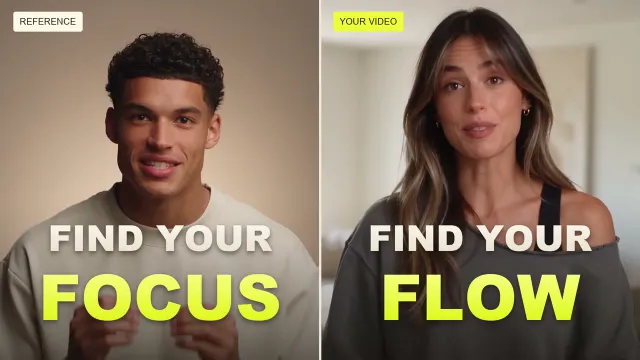
Bring the structure and pacing of a reference to your own footage.
What this Skill does
"Bring the structure and pacing of a reference to your own footage."
Use this Skill when
Bring the structure and pacing of a reference to your own footage.
How to run it
- Start in the ChatCut project you want to work on.
- Open the AI composer's Skills menu and find Talking-head remix. Choose the workflow, then check the attached Skill in your prompt.
- Add the footage or references for this job and explain your intended result. Send the request when those inputs are ready.
For selection and reuse, see the Skills guide.
Changelog
Updated October 14, 2026 — synced from the ChatCut Skill catalog. No revisions recorded before this one.






Commenting is not open yet. Until it is, tell us how you use this Skill in Discord.